.png)
If you have chosen to purchase the Extended Access add-on service, you will be able to use our new retention function.
Retention policies automatically delete files after a specified period. Policies apply to folders and their subfolders, with the nearest policy taking precedence. Only files are deleted—the folder structure itself remains intact. Depending on the policy settings, files may be permanently deleted or moved to the recycle bin.
Administrators will find this function under settings
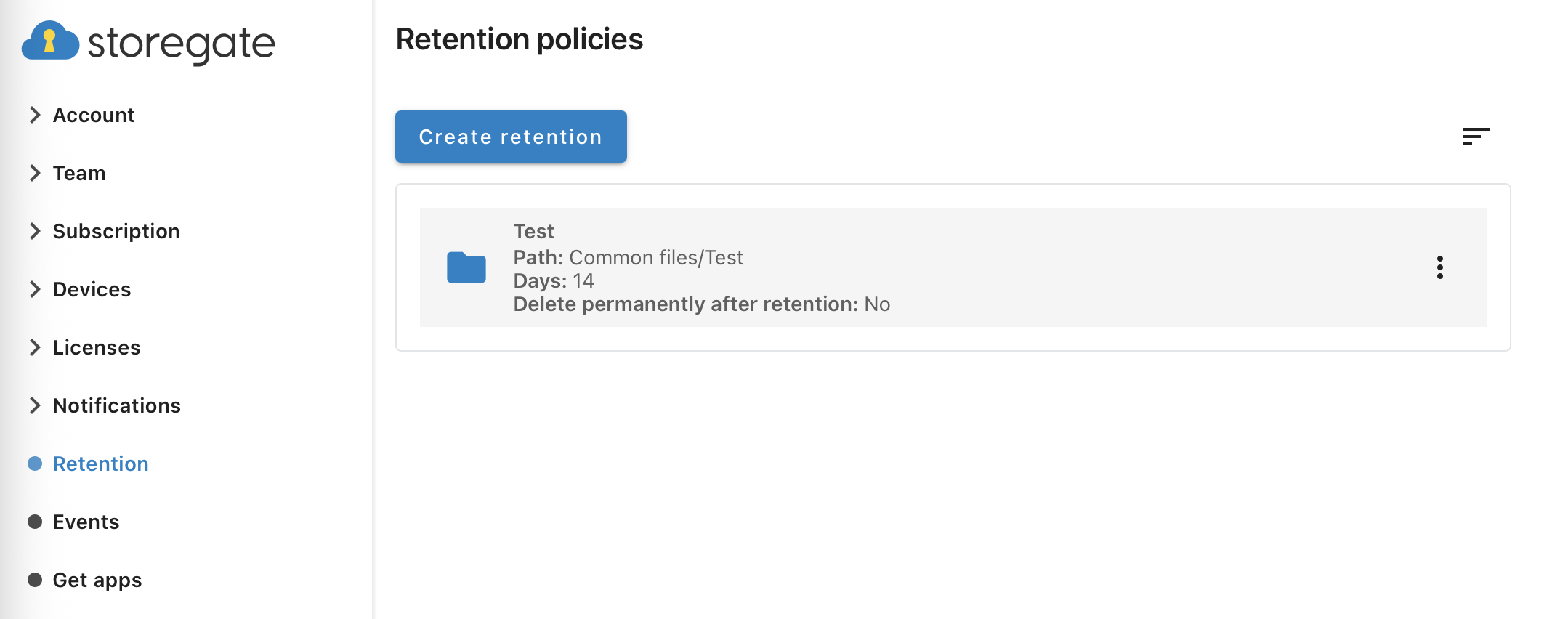
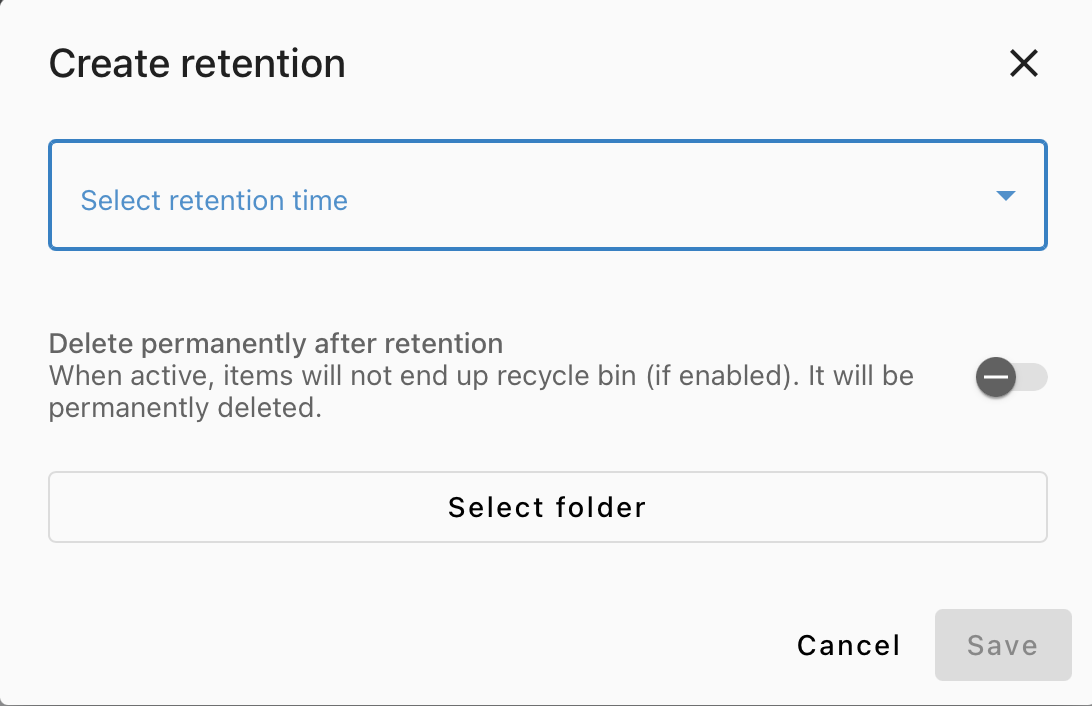
Create a retention policy
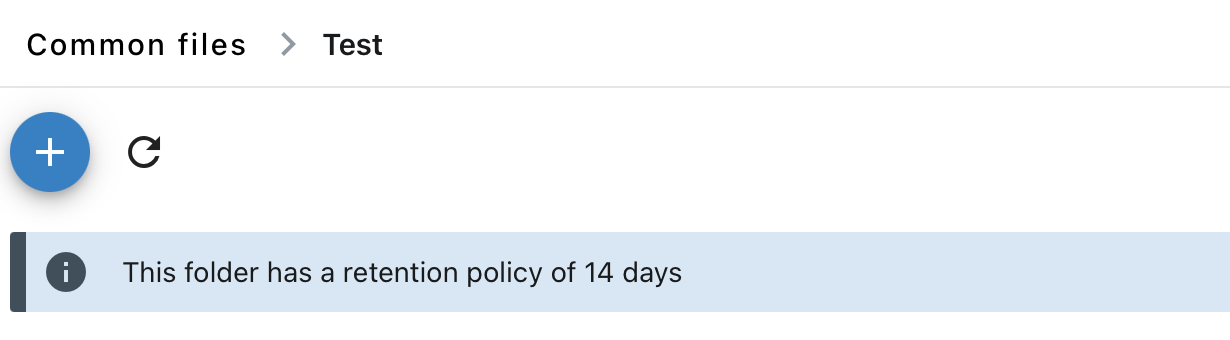
For folders included in a retention policy a banner will be visible for all users