.png)
If your explorer shows signs of slow or sluggish startup, try changing the following options:
How to open Options for Explorer
-
Click the start button in Windows and type Control Panel
-
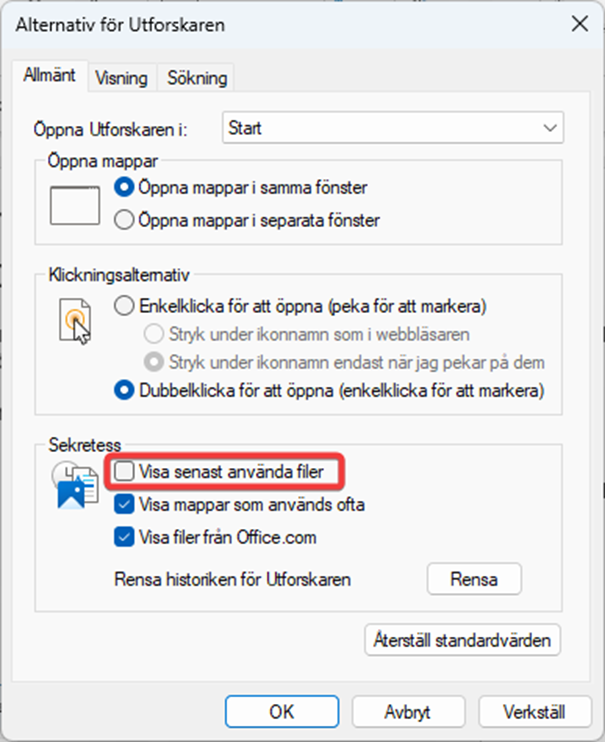
Open the Control Panel and uncheck Show recently used files.
-
Click Apply
Your Explorer should now start up faster. If you want to show recently used files on your home page in Windows Explorer, activate the function again, otherwise you can leave the function off until further notice.